
| Challenge | Link | difficulty |
|---|---|---|
| Lab 1 | Beginner’s Luck | Easy |
| Lab 2 | A New World | Easy |
| Lab 3 | The Evil’s Den | Easy - Medium |
| Lab 4 | Obsession | Medium |
| Lab 5 | Black Tuesday | Medium - Hard |
| Lab 6 | The Reckoning | Hard |
Challenge description
Congratulations Berthier, thanks to your help the computer has been identified.
You have requested a memory dump but before starting your analysis you wanted to take a look at the antivirus’ logs.
Unfortunately, you forgot to write down the workstation’s hostname. But since you have its memory dump you should be able to get it back!
The validation flag is the workstation’s hostname.

The uncompressed memory dump md5 hash is e3a902d4d44e0f7bd9cb29865e0a15de
Writeup
Stage 1
our first Step will be checking the image info to know which profile will be used in the analysis
volatility -f ch2.dmp imageinfo

As we see it “Win7SP1x64”
So let’s start check the process and see if there are anything suspicious
.\volatility.exe -f .\MemoryDump_Lab1.raw --profile=Win7SP1x64 pslist
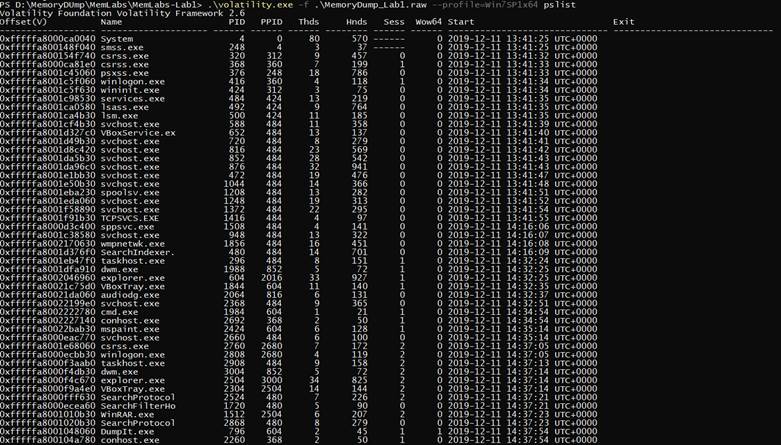
So we found cmd.exe that was running so we scanned it
.\volatility.exe -f .\MemoryDump_Lab1.raw --profile=Win7SP1x64 cmdscan
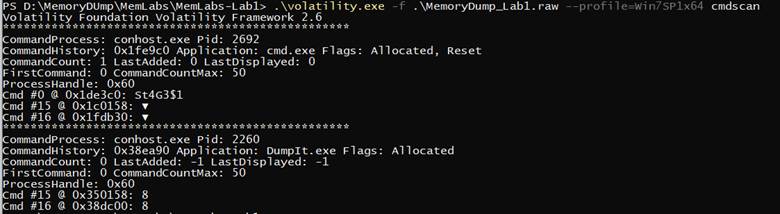
we found that he typed something interesting in cmd called (“St4G3$1”) So lets check the consoles
.\volatility.exe -f .\MemoryDump_Lab1.raw --profile=Win7SP1x64 consoles
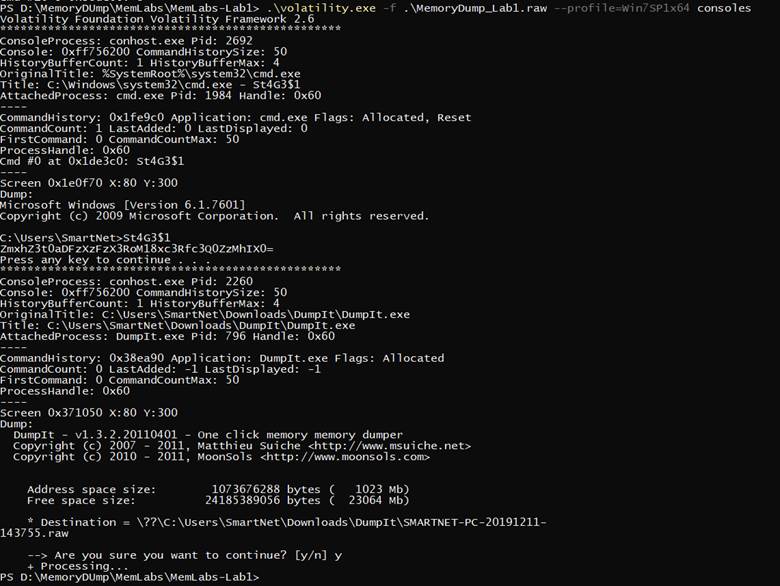
there was base 64 Text after decoding we got the first flag
flag{th1s_1s_th3_1st_st4g3!!}
Stage 2
for the next flag We checked process again and found that there is process called (“mspaint.exe”) so let’s dump it
.\volatility.exe -f .\MemoryDump_Lab1.raw --profile=Win7SP1x64 memdump -p 2424 -D output

we changed the extension of the dump from .dmp to .data to be raw image data so we can open it using GIMP
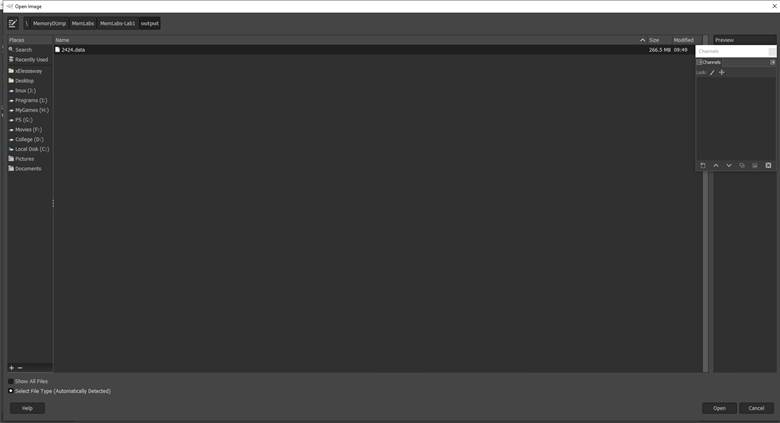
So it’s a not making any sense so we tried to change the heights and widths
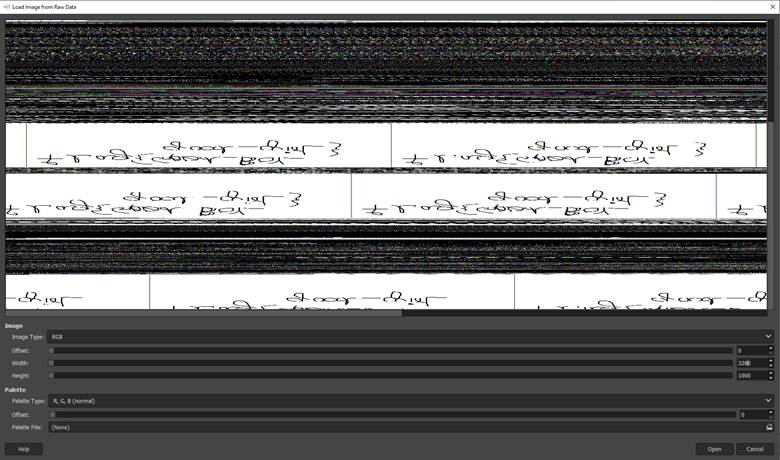
We got this so let’s reverse it and see what it says
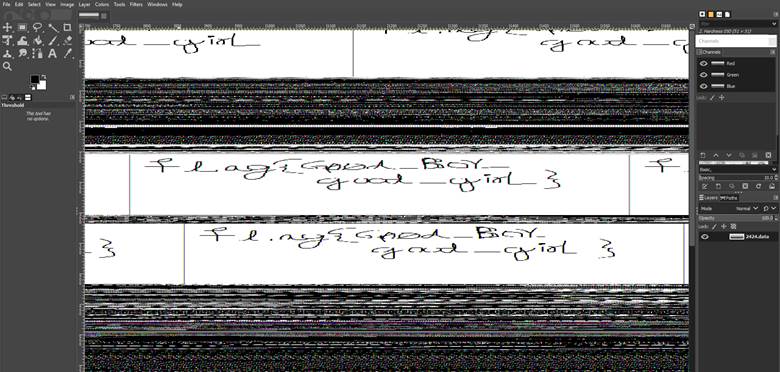
and we got the 2nd flag flag{G00d_BoY_good_girL}
Stage 3
while we were checking the processes we noticed that winrar was running
so we did a file scan
.\volatility.exe -f .\MemoryDump_Lab1.raw --profile=Win7SP1x64 filescan
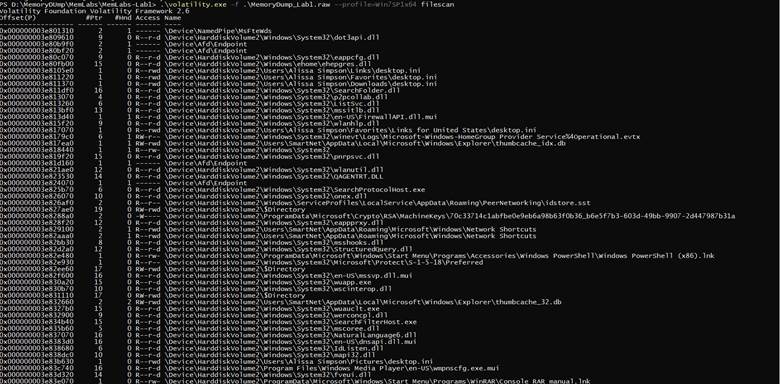
Okay that’s a lot of files so Winrar uses ( .zip , .rar ) so let’s grep them
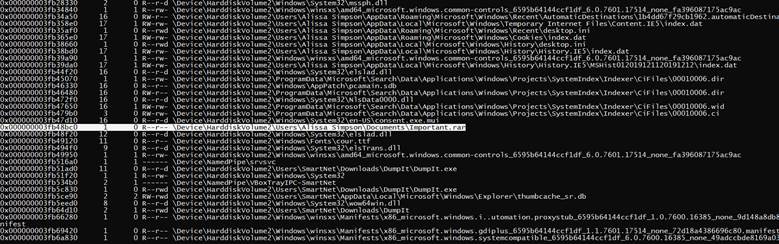
there was a file called important so we extract it
.\volatility.exe -f .\MemoryDump_Lab1.raw --profile=Win7SP1x64 dumpfiles -Q 0x000000003fa3ebc0 -D output

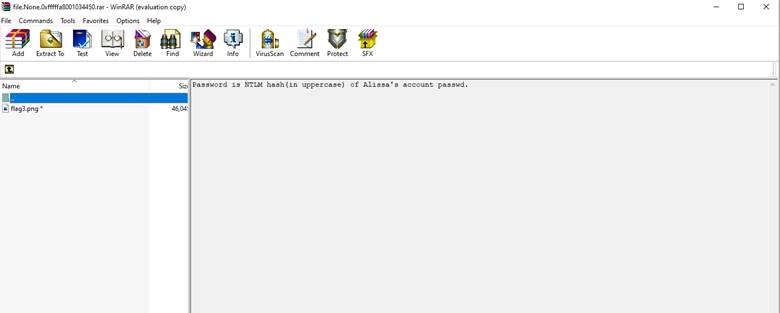
we got the rar but it’s password protected to get the password we have to get the NTLM hash by using hashdump
.\volatility.exe -f .\MemoryDump_Lab1.raw --profile=Win7SP1x64 hashdump

we got the password
F4FF64C8BAAC57D22F22EDC681055BA6
the 3rd flag is:
flag{w3ll_3rd_stage_was_easy}